
Hey Sumo-lings — I’m Jay with AppSumo. In this short guide I’ll walk you through Charla, an all-in-one AI + Engage Customers Anytime, Anywhere solution I demoed in our AppSumo video. If you want to deliver top-notch customer support, handle sales conversations, and cut down repetitive replies across web and social channels, Charla is built to make that easy.
Table of Contents
- Why Charla? 🚀
- Set up your AI chatbot in minutes 🛠️
- Embed a searchable knowledge base 💡
- Real use cases: Ecommerce, small biz, and agencies 🧩
- Built-in help desk & ticketing 🎫
- What truly sets Charla apart ✨
- Quick start checklist ✅
- FAQ ❓
- Ready to upgrade your customer support? 🔥
Why Charla? 🚀
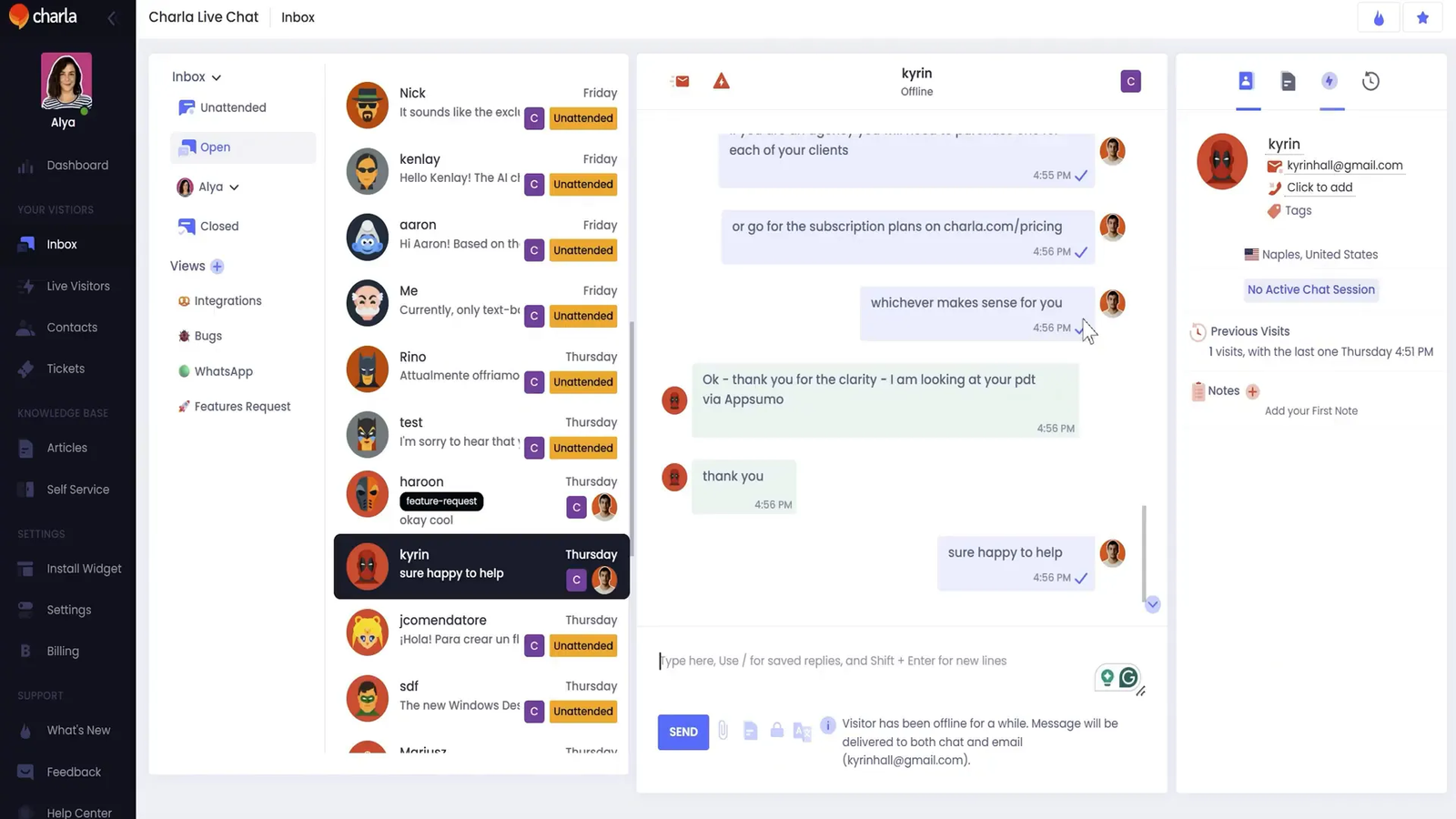
Charla brings together the tools most teams use separately — live chat, AI chatbot, knowledge base, and help desk — into one unified platform. That means fewer logins, fewer integrations, and a faster path to better customer experiences.
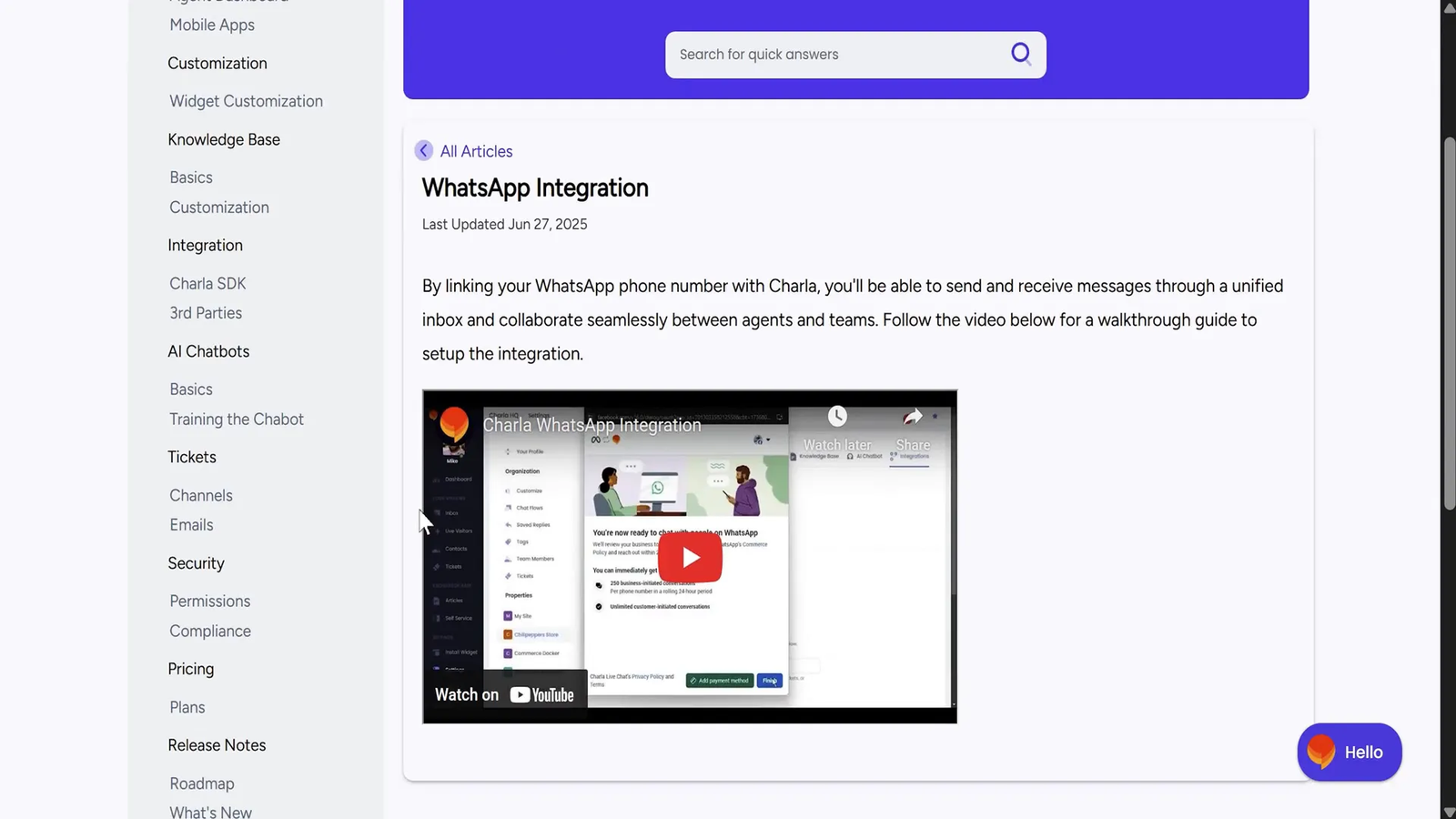
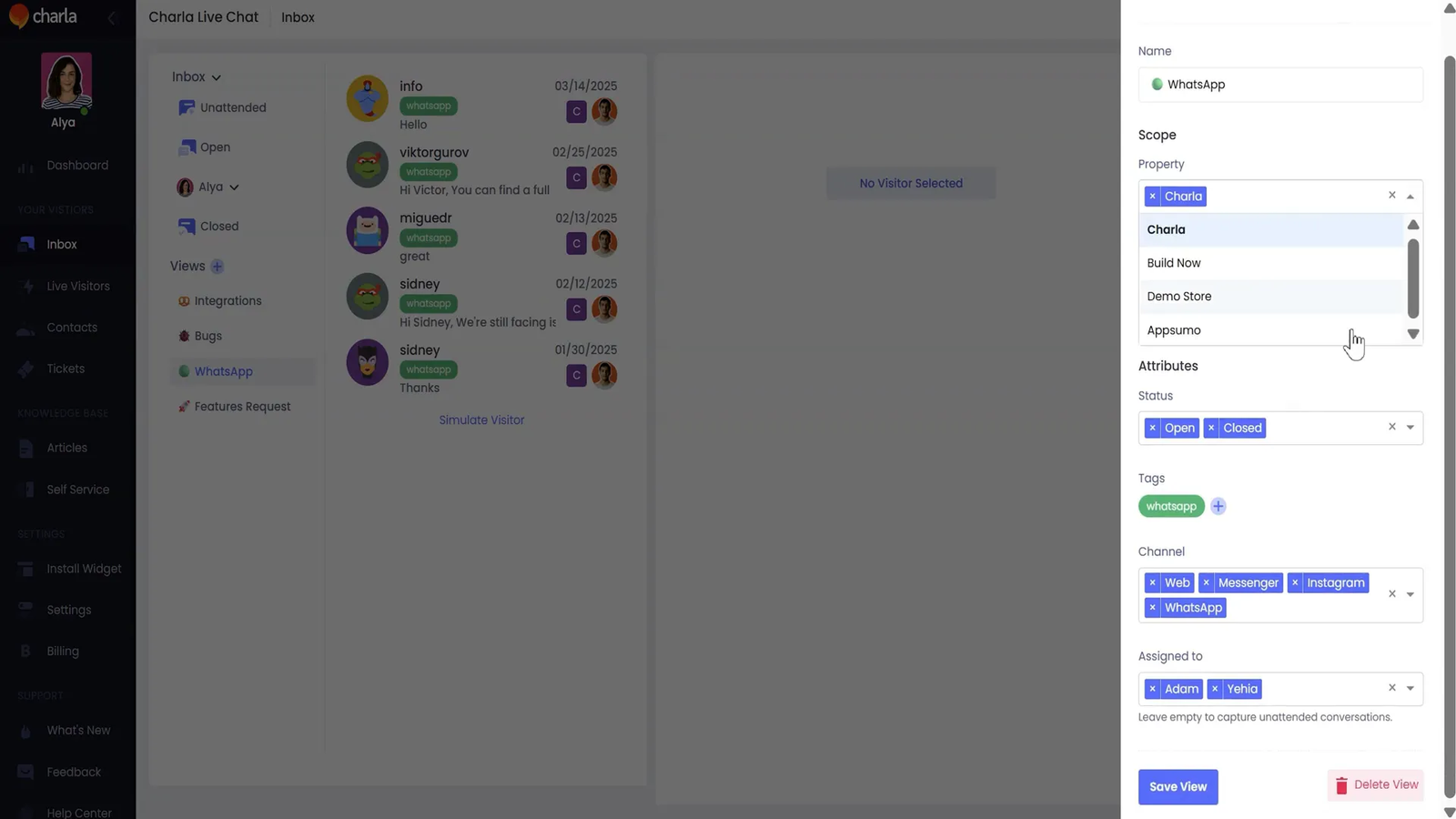
- Unified inbox: chat across website, Facebook, Instagram, and WhatsApp from one place.
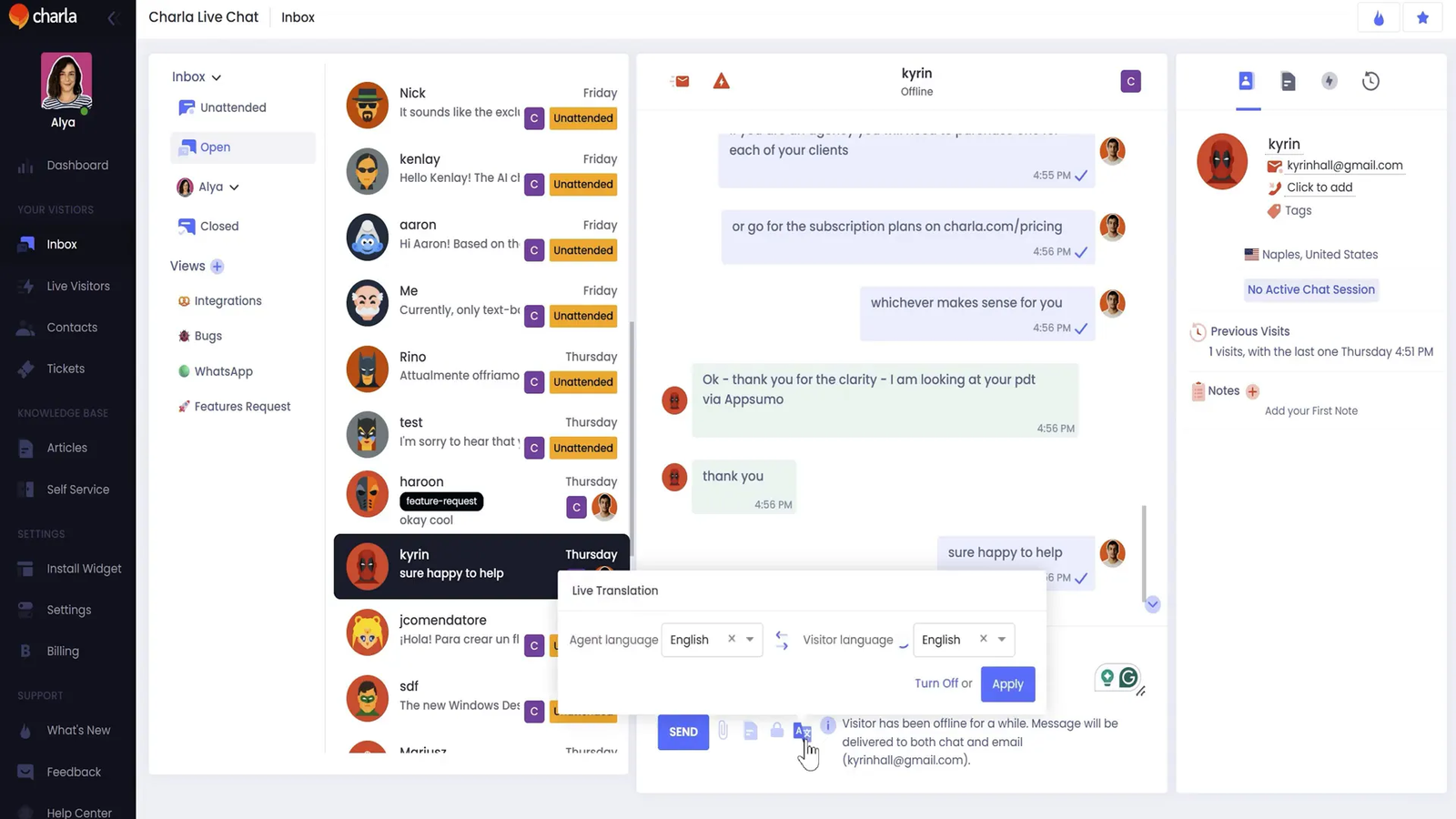
- Two-way live translations: communicate in 40+ languages so you can talk to customers in their native language and yours.
- Cross-platform access: web, desktop, iOS, and Android clients so your team can respond anywhere.
- No limits on AI conversations or messages — engage freely without unexpected caps.
Set up your AI chatbot in minutes 🛠️
Creating a chatbot with Charla is quick and approachable, even if you’re not technical. You can:
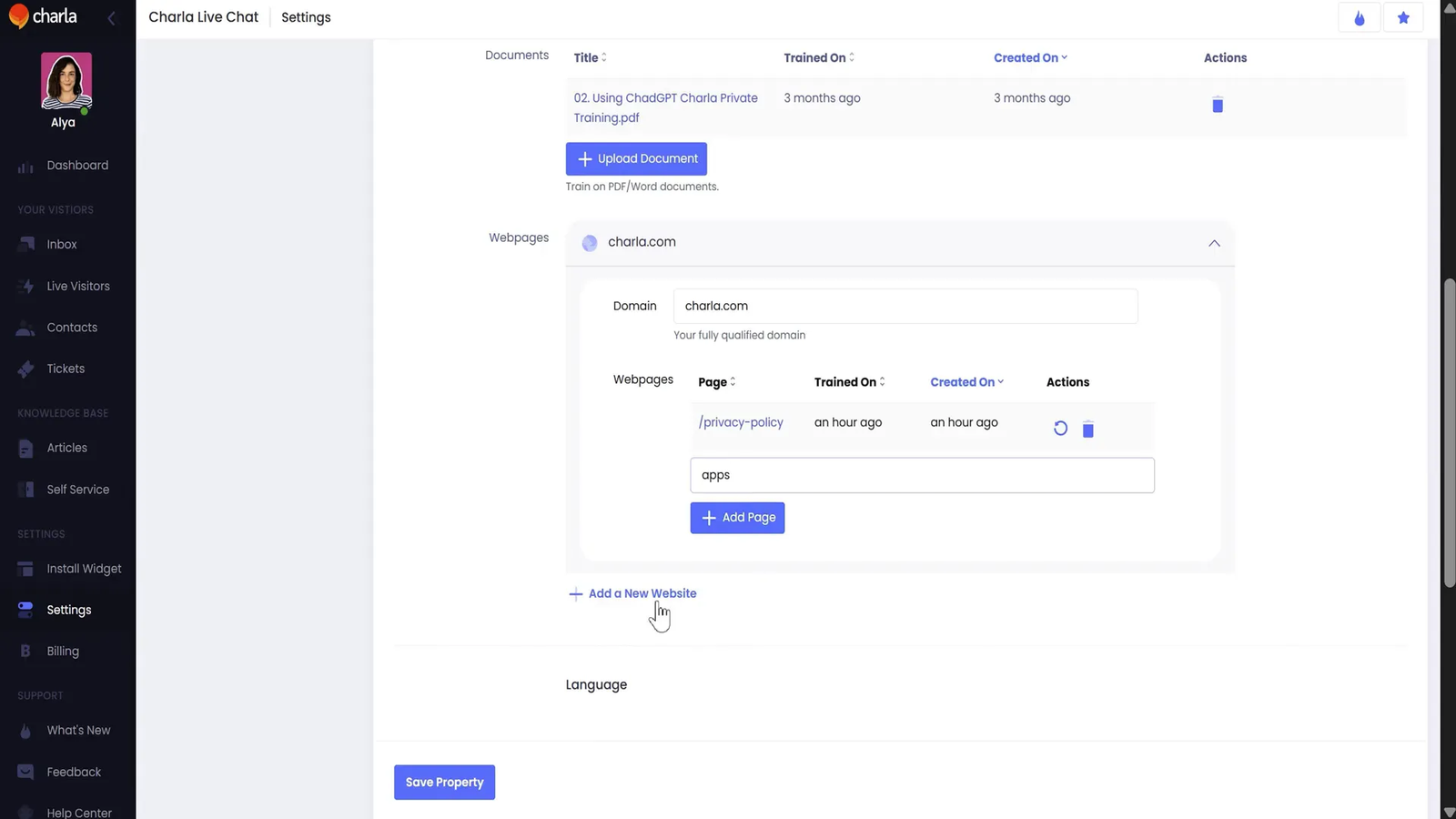
- Upload your knowledge base or drag-and-drop docs.
- Link to a web page so the bot can reference live content.
- Customize visuals — colors, logo, and avatar — to match your brand.
- Set up auto replies to keep chats flowing when your team is offline.
This lets incoming questions be answered automatically while your agents focus on higher-value tasks.
Embed a searchable knowledge base 💡
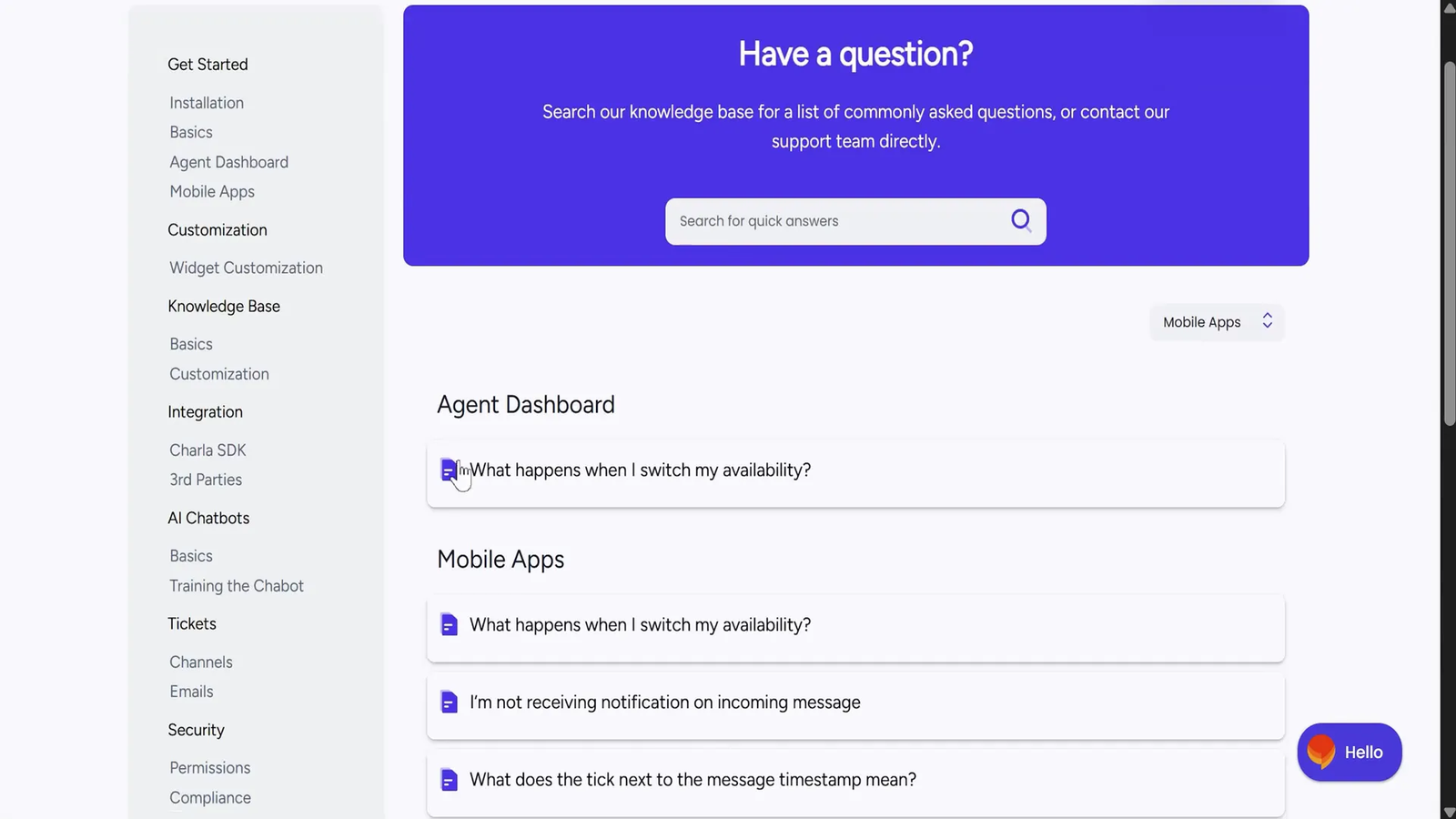
One of Charla’s standout features is the ability to embed your full knowledge base directly into the chat widget or as a dedicated FAQ page on your site. Visitors can search for answers themselves, which reduces repetitive tickets and shortens response time.
That self-serve layer is powerful: it offloads frequently asked questions so agents can concentrate on complex or high-touch conversations.
Real use cases: Ecommerce, small biz, and agencies 🧩
Charla works well across different businesses:
- Ecommerce — manage sales questions, order issues, and product queries in one inbox so you never miss a buyer.
- Small businesses — capture and qualify leads right from your website with chat flows and auto replies.
- Marketing agencies — bundle Charla’s chat and AI Tools That Transformed My .5M/Year Business to add value to client offerings and streamline support for multiple brands.
Built-in help desk & ticketing 🎫
Charla includes help desk features so conversations can be tracked and resolved without hopping between tools. From a single platform you can:
- Respond to incoming emails and chats.
- Assign agents to tickets and add internal notes.
- Tag conversations for categorization and reporting.
This keeps context intact and helps teams collaborate on customer issues efficiently.
What truly sets Charla apart ✨
Beyond bundling the core features (live chat, AI bot, help desk, KB), Charla gives you:
- Unlimited AI conversations — great for high-volume support without surprise charges.
- Live two-way translations — expand support globally with real-time language translation in over 40 languages.
- Full platform coverage — web, desktop, iOS, and Android so your team stays responsive across devices.
Quick start checklist ✅
- Create your Charla account and connect your website chat widget.
- Link social channels: Facebook, Instagram, WhatsApp.
- Upload your knowledge base or point Charla to relevant web pages.
- Customize branding (colors, logo, avatar) and set auto replies.
- Train the bot with common Q&A, enable live translations if you support multiple languages.
- Set up ticket assignments, tags, and internal notes for team workflows.
FAQ ❓
Is Charla suitable for small teams or solo founders?
Yes — Charla is great for solopreneurs and small businesses because it consolidates multiple tools into one platform and automates repetitive replies with an AI chatbot.
Can Charla handle multiple social channels?
Absolutely. You can manage website chat, Facebook, Instagram, and WhatsApp conversations in Charla’s unified inbox.
How do translations work?
Charla offers two-way live translations in over 40 languages, allowing your agents and customers to communicate in their preferred languages in real time.
Do I need separate tools for help desk and knowledge base?
No. Charla includes a built-in help desk and a searchable knowledge base you can embed, removing the need for separate solutions.
Are there limits on AI conversations?
Charla removes typical conversation caps — meaning you won’t run into arbitrary limits on AI messages, which is ideal for scaling support volume.
Which platforms does Charla support?
Charla is available via web, desktop apps, and iOS/Android mobile apps so your team can respond from anywhere.
Ready to upgrade your customer support? 🔥
If you want to give your customers the support experience they deserve — faster answers, multilingual conversations, and an easier workflow for your team — Charla brings the tools into one place. Click the buy button in our AppSumo listing for lifetime access and get started today.