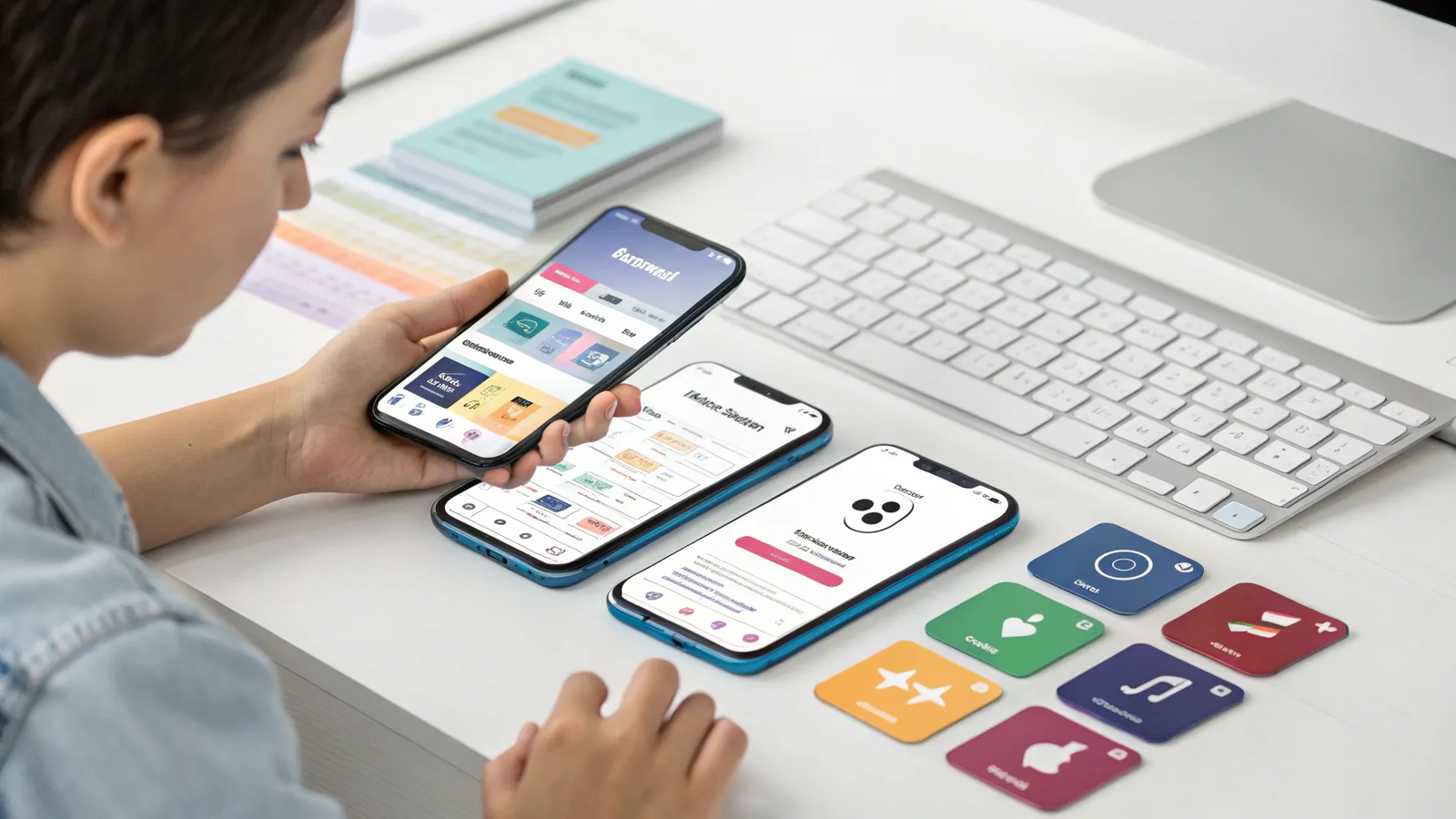
🎧 What AudioRista Does
What’s up, Sumo Links? I’m Jay. If you’ve been tired of building your audience on platforms that control your data, your monetization, and your brand, AudioRista flips the script. It is a no-code, white-label platform that helps you create, launch, and monetize a fully branded iOS and Android app for audio, video, and text content — in minutes, not months.
⚙️ Quick Start: Setup Wizard and Launch Checklist
Getting started is as simple as following the setup wizard. Pick your app’s style, layout, and basic settings, and the wizard drops you into a launch checklist that guides you through every step: upload content, style your app, and connect your App Store and Google Play accounts.
- Choose style and layout — pick colors, corners, and overall look
- Follow the launch checklist — step-by-step guidance from content uploads to store connections
- Connect store keys and IDs — AudioRista walks you through the Apple and Google technical bits
🖼️ Preview App: See Changes in Real Time
The Preview app is your best friend during setup. Make a tweak in the dashboard and you see it instantly in the Preview app. Change the background color, update color schemes, or adjust corners — everything updates in real time so you know exactly how your final app will look.
No coding required.
🗂️ Dashboard & Layout Editor: Build Your Content Experience
The dashboard is where you upload, organize, and manage your files. Use the layout editor to design your content screens: add sections, drag and drop them into place, and shape the app exactly the way you want. It is quick and flexible, whether you’re publishing podcasts, video series, or written guides.
- Upload audio, video, and text files
- Organize catalogs, titles, and collections
- Use the layout editor to design home, collection, and detail screens
💸 Monetization Options and Extensions
Want to get paid for your content? AudioRista supports monetization extensions so you can charge for content inside your app. Add subscription or one-time purchase options and control what content is free or paid from the dashboard.
🚀 Build, Publish, and Update Without Rebuilds
When you’re ready, hit Request a Build. AudioRista compiles and builds your app in the cloud and delivers it straight to your App Store and Google Play accounts. Test your production build, make any final adjustments, and publish. Once the app is live, updating your catalog does not require another build — change titles, collections, layouts, or navigation instantly from the dashboard. That ability to update content on the fly is a game changer for creators who want control and speed.
📋 Launch Checklist Summary
- Select style, colors, and layout in the setup wizard
- Use Preview to verify design in real time
- Upload and organize content in the dashboard
- Add monetization if you want to charge for content
- Enter Apple and Google keys and IDs (AudioRista guides you)
- Request a build and publish to App Store and Google Play
- Update catalog and layout instantly without rebuilding
✅ Why Choose a White-Label, No-Code App
Running your content on third-party social platforms often means relinquishing control of your audience, data, and monetization. With a white-label app you own the brand, you control the relationship with your audience, and you decide how to monetize. AudioRista removes the technical headaches — no developers, no wrestling with code, and quick builds in the cloud.
❓Frequently Asked Questions
What is AudioRista and who is it for?
AudioRista is a no-code, white-label platform that lets creators and businesses launch branded iOS and Android apps to publish audio, video, and text content. It is ideal for podcasters, educators, publishers, and anyone who wants to own their audience and monetize content directly.
Do I need to know how to code to use AudioRista?
No coding is required. The platform is designed so you can choose styles, create layouts, upload content, and request builds without writing any code.
How long does it take to launch an app?
You can set up the app and request a build in minutes. Actual time to appear in the App Store and Google Play depends on the stores’ review processes, but the AudioRista setup itself is fast and guided.
Do I need Apple and Google developer accounts?
Yes. You will need the keys and IDs from Apple and Google to connect your accounts, but AudioRista walks you through the technical steps to make the connection.
Can I update content without submitting a new build?
Yes. Once your app is live, you can update titles, collections, layouts, and navigation instantly from the dashboard without making a new build.
How can I monetize my app?
AudioRista supports monetization extensions that let you charge for content via subscriptions or one-time purchases. Manage which content is paid or free directly in the dashboard.
🔚 Final Thoughts
If you want a polished, branded mobile app for audio, video, and text without hiring developers or wrestling with code, AudioRista makes launching simple and fast. Build in the cloud, publish to the App Store and Google Play, and retain control over your audience, data, and monetization. Ready to own your platform? Hit Buy Now for lifetime access and start building.