
Tigsaw: No-Code Platform to Design and Deploy Conversion-Optimized Website Components
If you are tired of waiting on developers and designers just to tweak a countdown timer or launch a new banner, you are not alone. Website personalization and A/B testing often get stuck in long backlogs, which costs time and conversions. Tigsaw offers a better way. This no-code platform lets you design, test, and publish website components in minutes without writing code.
Quick Answer
Tigsaw is a no-code platform that lets marketers and site owners design, test, and publish conversion-focused website components such as hero banners, countdown timers, and review strips. You can customize everything with drag-and-drop, deploy instantly to Shopify, WordPress, Magento, BigCommerce, and custom sites, and run targeted A/B tests — all without touching code or waiting for developers.
Key Takeaways
- Tigsaw provides over 100 conversion-optimized templates so you can launch professional components quickly instead of starting from scratch.
- The drag-and-drop editor lets you customize layout, styling, colors, and copy to match your brand without any design or coding skills.
- One-click deployment works smoothly across Shopify, WordPress, Magento, BigCommerce, and custom HTML sites.
- Built-in URL-based targeting and multiple condition types make it easy to run A/B tests and show personalized content to specific audiences.
- Higher-tier plans unlock unlimited widgets, which helps teams scale campaigns and testing without restrictions.
Instantly Design Conversion-Optimized Components
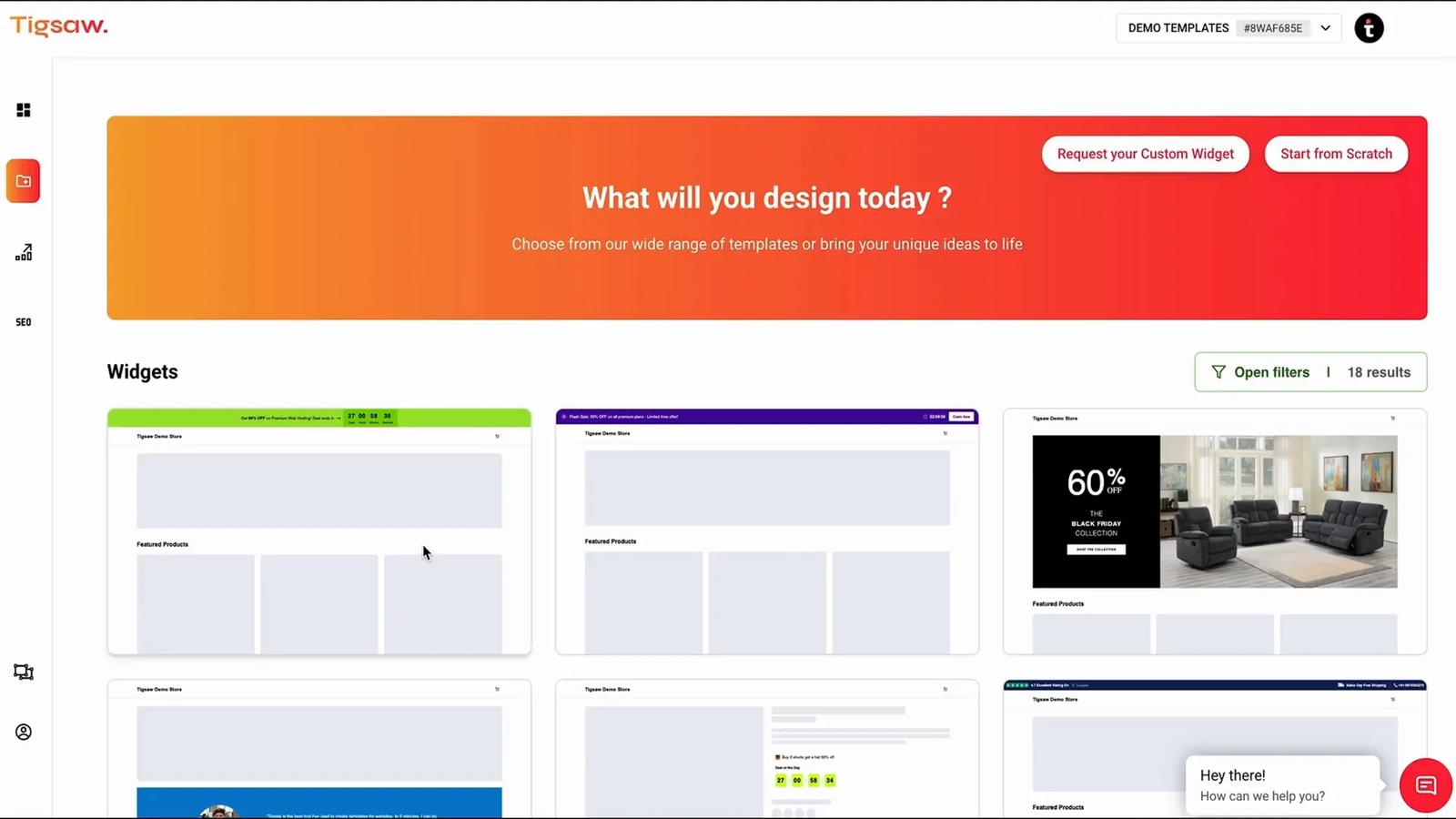
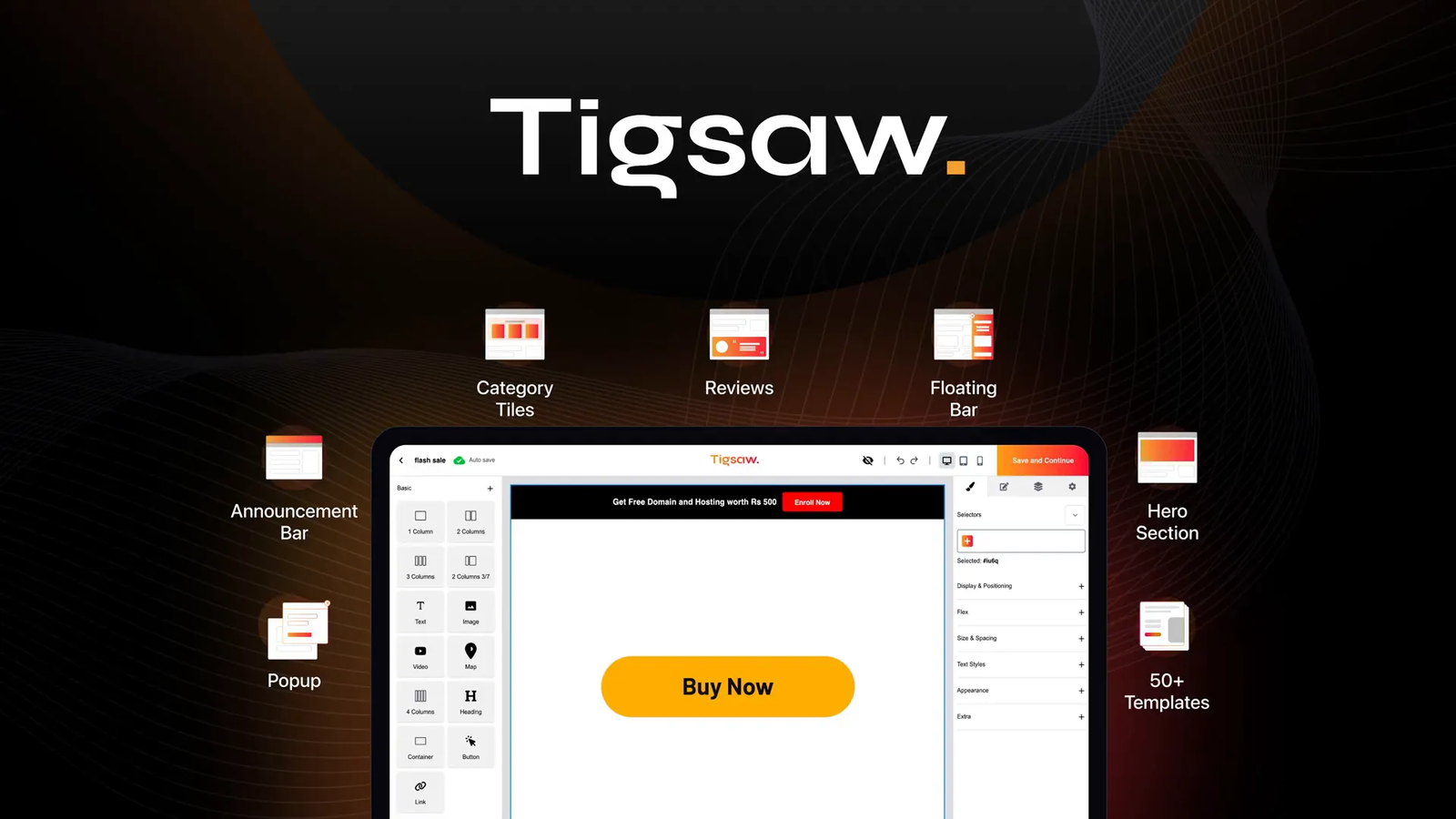
Tigsaw includes over 100 templates that are already optimized to boost conversions. You do not need to start from scratch or spend hours on design sprints. Whether you want hero banners, countdown timers, review strips, or other key website elements, Tigsaw has ready options.
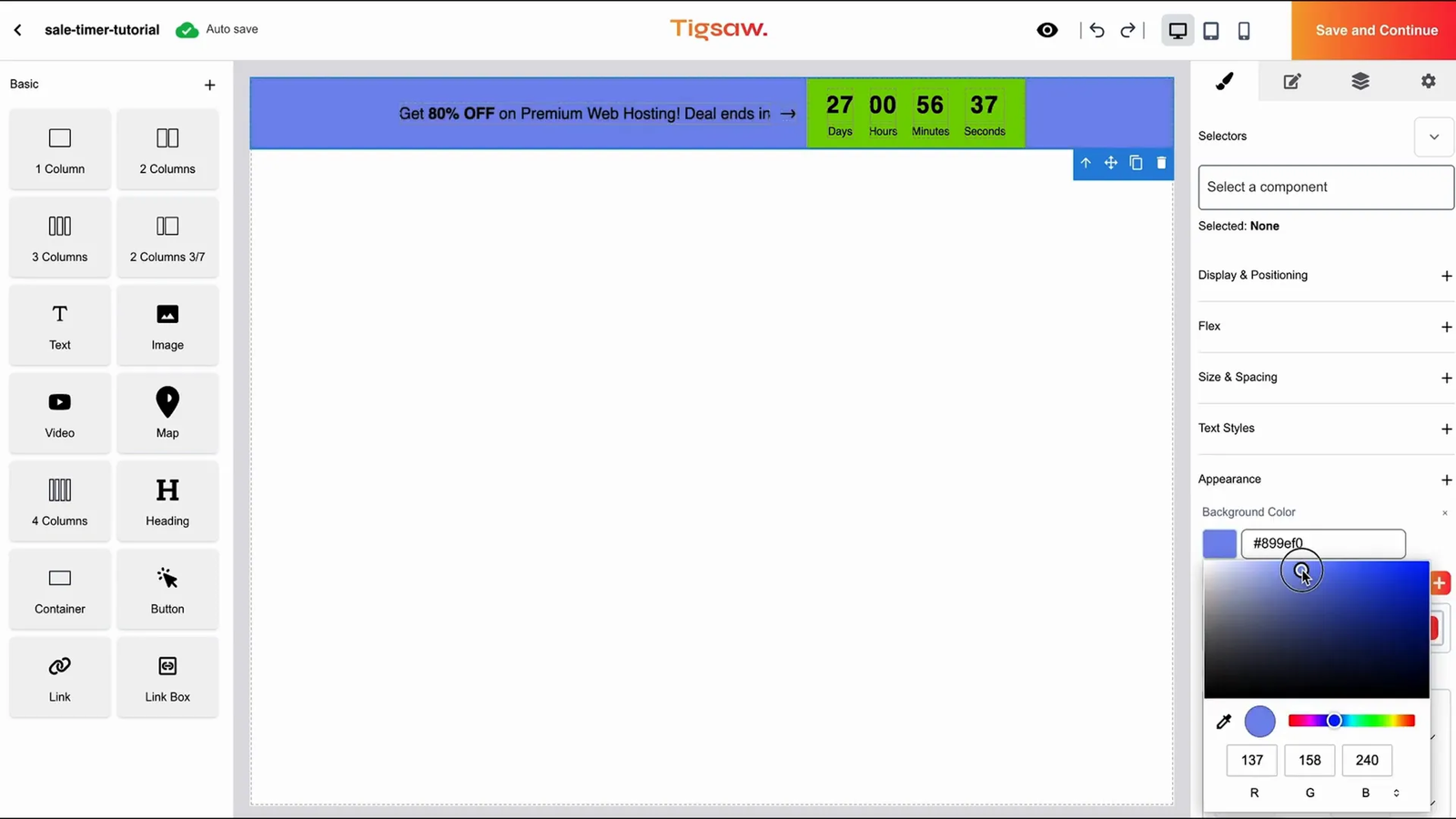
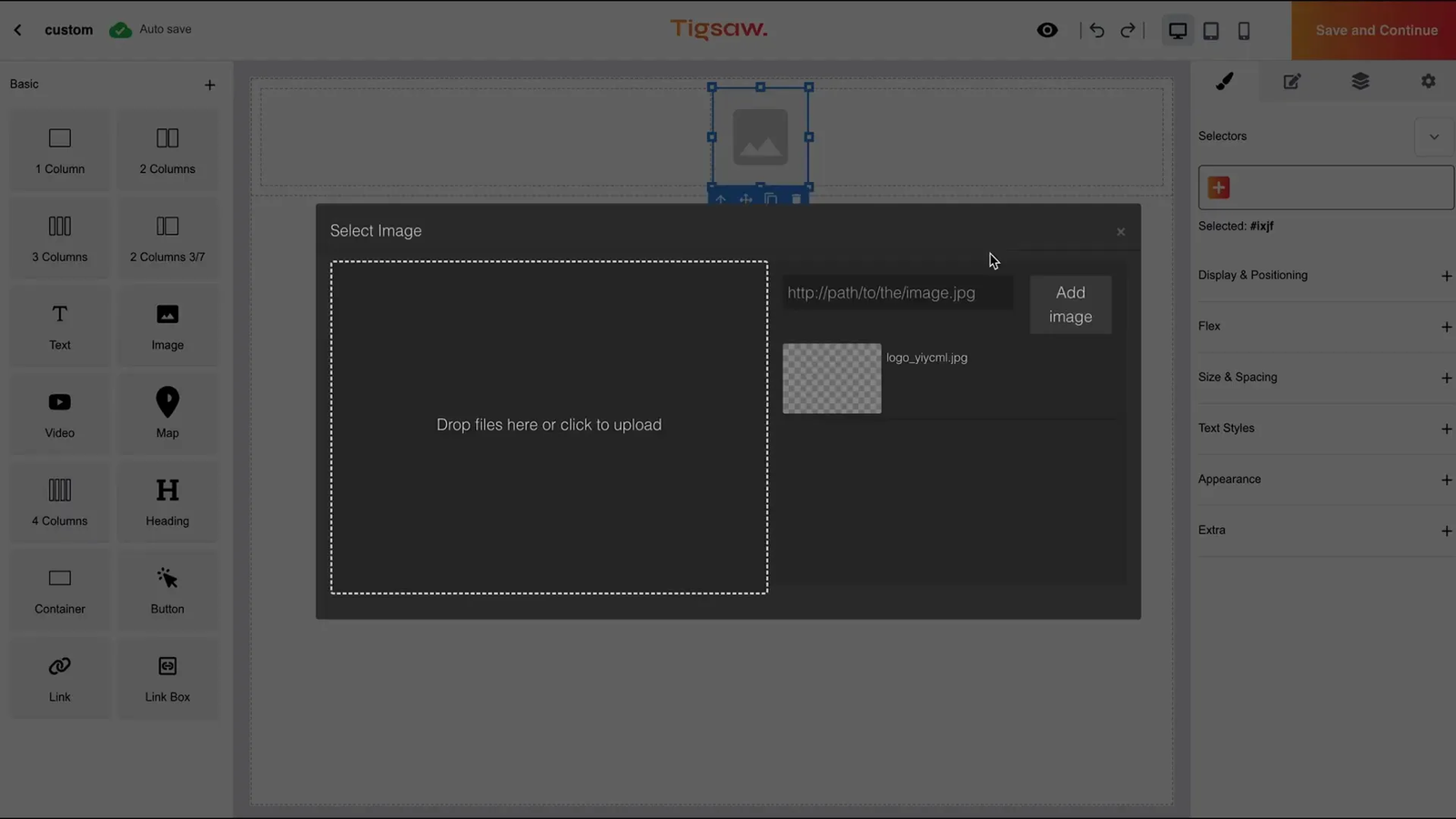
Once you choose a template, you can move straight into the drag-and-drop editor. This interface lets you adjust every detail — styling, colors, copy, and layout — so the component matches your brand. No design or coding experience is required.
One-Click Deployment Across Major Platforms
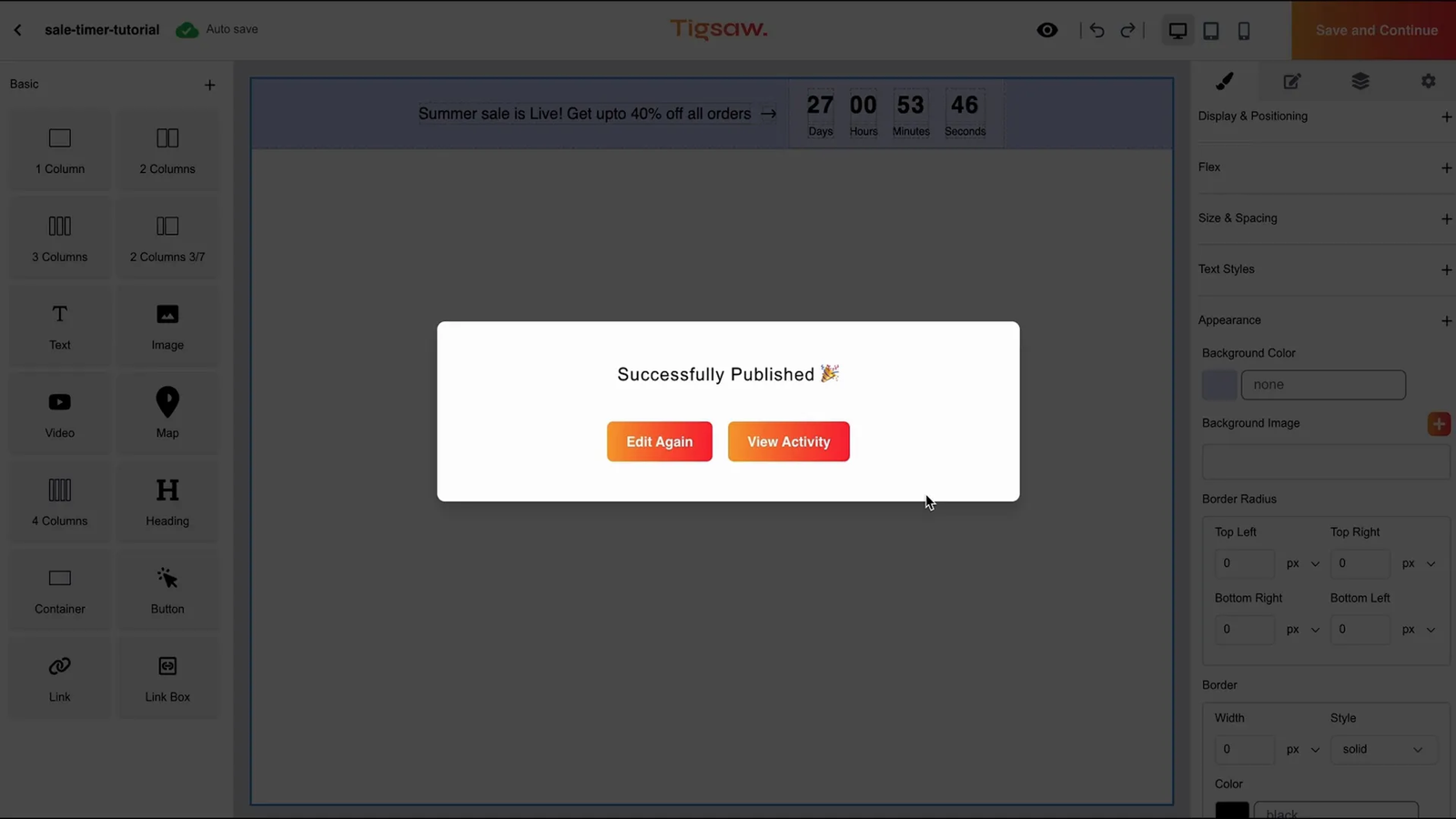
After you customize a component, publishing takes just one click. Tigsaw works smoothly with Shopify, WordPress, Magento, BigCommerce, and custom HTML websites. This flexibility makes it useful for teams that work across different tech stacks.
Run A/B Tests and Target Your Audience Precisely
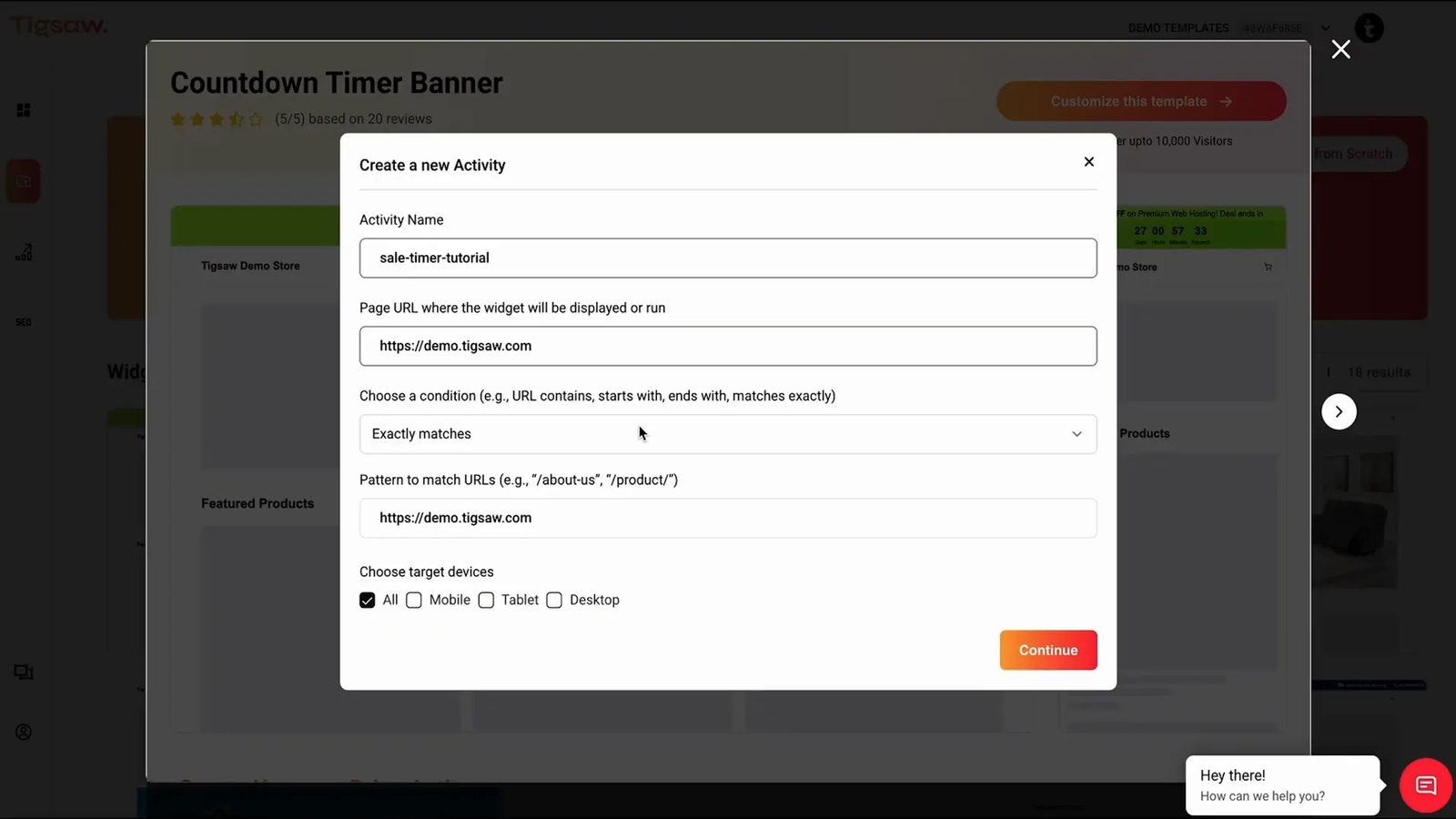
Testing different offers and messaging helps maximize conversions, but relying on developers can slow everything down. Tigsaw simplifies the process with URL-based targeting and several condition types. You can show components on specific devices or URLs.
This approach lets you run A/B tests for different visitor groups quickly. You can experiment with offers, messaging, and designs on the fly and watch your conversion rates improve.
Build from Scratch or Order Custom-Made Components
If you need something unique, Tigsaw’s drag-and-drop builder lets you start fresh and create exactly what you want in minutes. No coding is required — just drag, drop, and customize.
For more complex needs, share your design mockup with the Tigsaw team. They can build custom components tailored to your specifications.
Scale Up with Unlimited Widgets and Team-Friendly Tools
Upgrading to Tigsaw’s higher-tier plan unlocks unlimited widgets. This flexibility helps when you launch new campaigns, add promotional banners, or test fresh ideas. Execution stays fast and simple for anyone on your team.
Tigsaw puts powerful website optimization tools in the hands of marketers, product managers, and business owners without the usual delays from code changes or back-end work.
Conclusion: Make Website Changes Fast and Easy with Tigsaw
Waiting on developers for simple website updates can slow your momentum and hurt conversions. Tigsaw removes that friction. It gives you a fast, no-code way to design, test, and publish conversion-optimized components on your own schedule.
With its template library, intuitive editor, broad platform support, and built-in targeting and testing tools, Tigsaw helps you move quickly and improve results. Ready to speed up your website optimization?
Grab the deal on Tigsaw now and get lifetime access starting at just $79.
Frequently Asked Questions about Tigsaw
What types of website components can I create with Tigsaw?
Tigsaw offers over 100 conversion-optimized templates, including hero banners, countdown timers, review strips, and more. You can customize these templates or build your own components from scratch using the drag-and-drop editor.
Do I need coding skills to use Tigsaw?
No. Tigsaw is a true no-code platform with an intuitive drag-and-drop editor. Anyone can design and deploy website components without writing or editing code.
Which platforms does Tigsaw support?
Tigsaw works with all major platforms, including Shopify, WordPress, Magento, BigCommerce, and custom HTML websites. It integrates easily no matter what tech stack you use.
Can I run A/B tests using Tigsaw?
Yes. Tigsaw includes URL-based targeting and multiple condition types so you can run A/B tests for different visitor groups and optimize offers and messaging quickly.
Is there an option for custom-made components?
Yes. If you have a specific design mockup, the Tigsaw team can create custom components for you so you do not have to build everything yourself.
What are the benefits of upgrading to higher tiers?
Higher tiers, especially tier four, let you create unlimited widgets and unlock advanced features. This makes Tigsaw ideal for teams that manage multiple campaigns or websites.